We Keep a Lot of Property Data, but Not the Context Behind It.

A new property manager was scheduled to start at one of the communities I oversee.
She would have no shortage of data: the rent roll, the financial reports, the general ledger. She could look up each resident’s lease, account balance, and payment history. She could review leasing activity, work orders, budgets, and weekly operating reports.
But would all that be enough to prepare her to manage this property?
Probably not.
She needed to understand what ownership was focused on right now. She needed to know which projects were already underway, which decisions still required approval, and why the property was using its current leasing and renewal strategies.
She also needed some history: which approaches had already been tried, what had worked, and what had produced mixed results. She needed to know which issues had come up before and which numbers on a report needed more context before she acted on them.
So, I put together a welcome brief with a rundown of the current priorities, ongoing projects, and decisions still waiting for approval. The appendix covered the property’s history, including what we had tried, what had worked, and which issues had come up before.
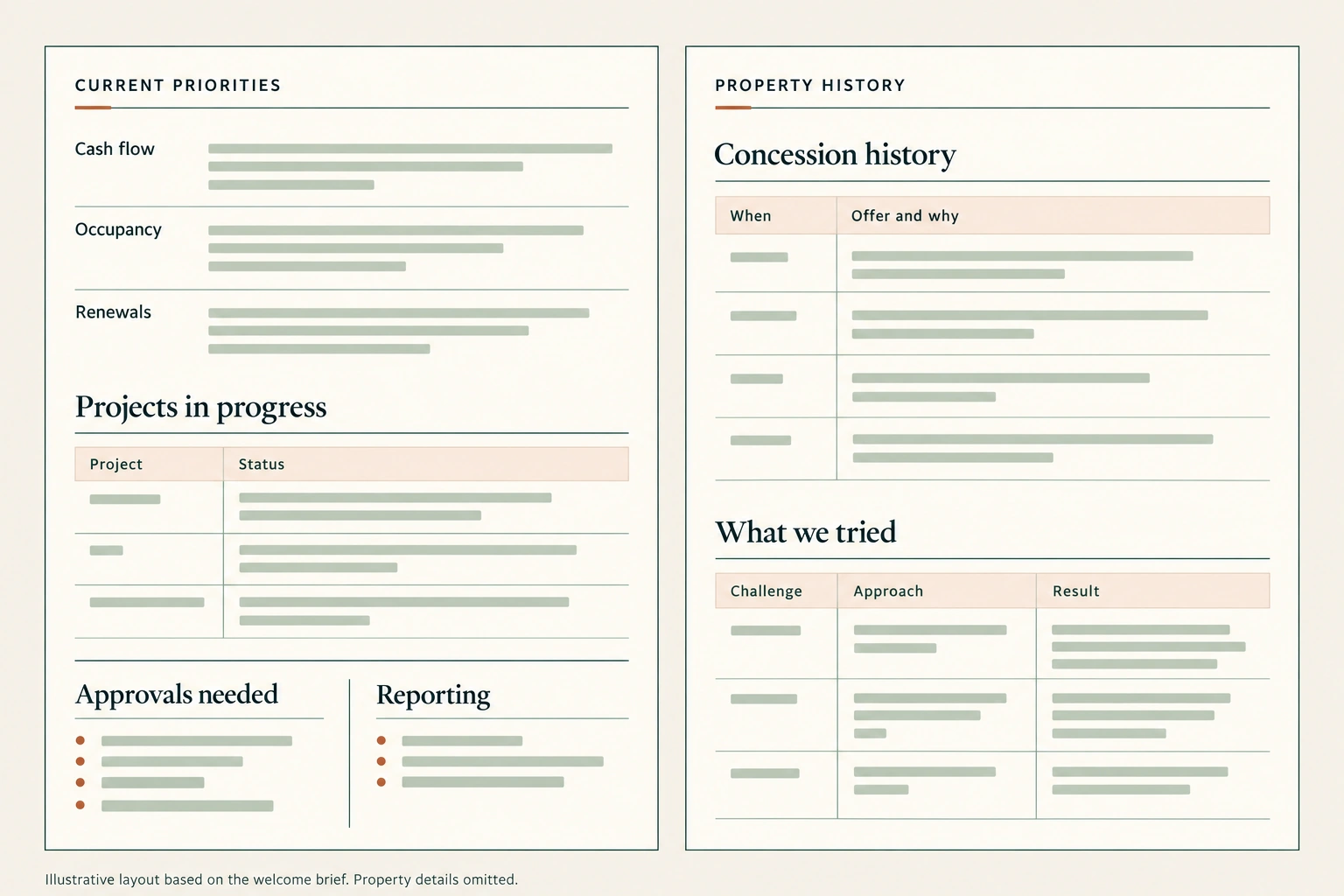
I now prepare a brief like this for every new property manager or regional manager. It’s a standard part of the handoff.
As you can imagine, having that background is a big part of getting to know the property.
How did I turn years of emails, meeting notes, and reports into one brief? I’ll come back to that. But first, I want to talk about a bigger problem that has been on my mind for a long time.
We record more about a property than ever before. Yet when the people change, surprisingly much still has to be relearned.
Why?
We keep the data. But not always the context.
Multifamily properties generate enormous amounts of data.
We track occupancy, rents, traffic, conversions, renewals, collections, work orders, expenses, capital projects, resident satisfaction, and dozens of other operating measures. Each system performs a useful function. Together, they give us a much clearer view of a property than operators had in the past.
But those records don’t always give us the full context. For example, why a decision was made, what the team had already tried, or how an old problem was handled.
The history behind a leasing special
Imagine you’re reviewing next month’s leasing special with a new manager.
She can see the current offer, occupancy, and recent leasing activity. The reports are all there.
What she may not know is that the previous team increased the concession to help a group of apartments that had been vacant for months. The plan was to review it once those apartments were leased.
If that group has since leased, there is a reason to revisit the offer. Without that background, she may treat it as the property’s usual special.
She needs more than the current offer. She needs to understand what it was meant to solve, what the team had already tried, and when it planned to reconsider the decision.
That is useful property knowledge:
- The history behind the numbers.
- The reasons behind decisions.
- The lessons from earlier work.
I believe this is what we’re missing. This is the context we need to preserve.
This is not only a turnover problem
Manager turnover makes the knowledge gap obvious. But the same problem happens even when no one leaves.
I have worked with some properties for years, and I still forget things.
I may remember that we approved a project but forget the reasoning behind the approval. A few months later, I am searching through old emails, trying to reconstruct the conditions that shaped the decision.
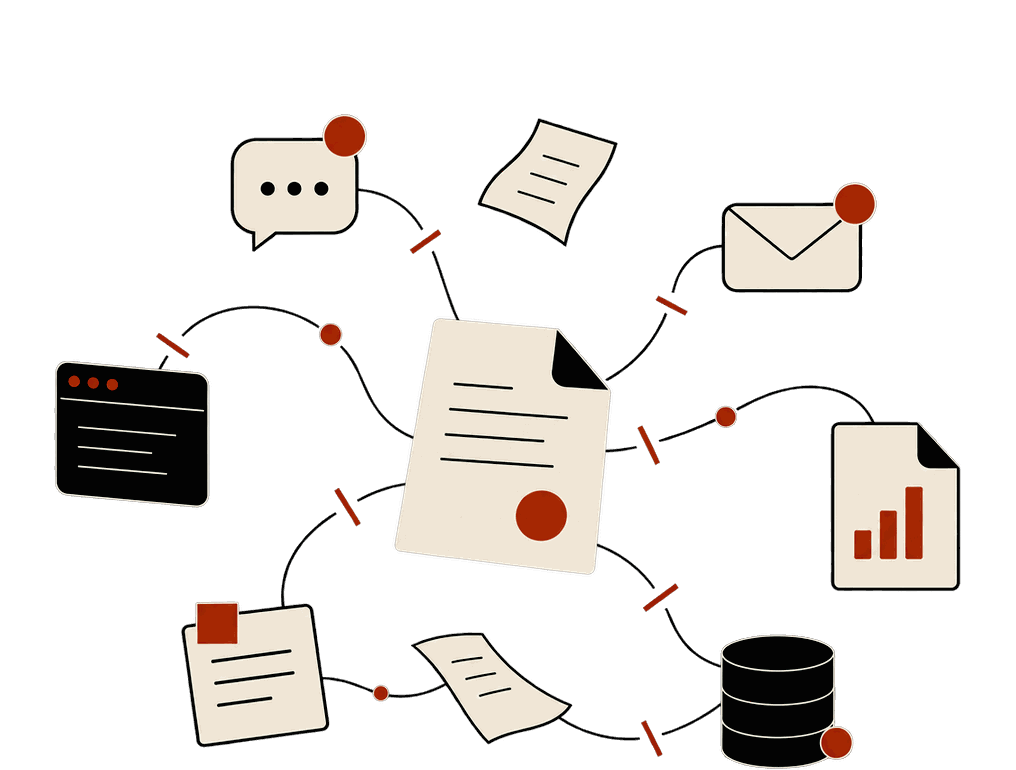
Context stays scattered. Meetings, emails, reports, disconnected systems.
“Deal merge”
Managing multiple properties creates another problem. Over time, details start to blend together.
We sometimes call this “deal merge.” You remember the issue, conversation, or number, but connect it to the wrong property.
That’s one reason I want a quick way to recover each property’s background before our weekly meetings. I want to know where the property stands, what we decided last time, and what still needs attention.
With that background in mind, I can ask more useful questions: What changed, and why? What have we already tried? What remains unresolved, and what should happen next?
Without that context, the meeting can become a review of numbers everyone has already seen.
But preparing for a meeting is only one reason to keep that background. What we learn at one property should help the next team, or another property facing a similar problem. And I should be able to find it again months later, even if I’ve forgotten the details.
I tried to solve this before AI.
To make that possible, I started keeping handwritten notes after our meetings. This was years before I began using AI.
I wrote down useful practices, asset management lessons, and pieces of property history. If one property found a useful way to handle a problem, I wanted to remember it when another property ran into something similar.
But after each meeting, I had to write down what mattered and organize it so I could find it later. Across several properties, it was too much work. I stopped keeping the notes.
I still wanted to preserve that context, but I needed a way to do it without making it another job.
Then, about three years ago, I started using AI, which made that possible.
What AI changed for me: from data to knowledge to intelligence
Today, we have a knowledge base for the properties I oversee.
- After every meeting, AI automatically adds the meeting minutes.
- Every day, it connects relevant emails and updates to existing issues, and records decisions with the background behind them.
- Every month, the financial review adds another layer of context.
AI does this work for me. I spend no more than five minutes a day on it.
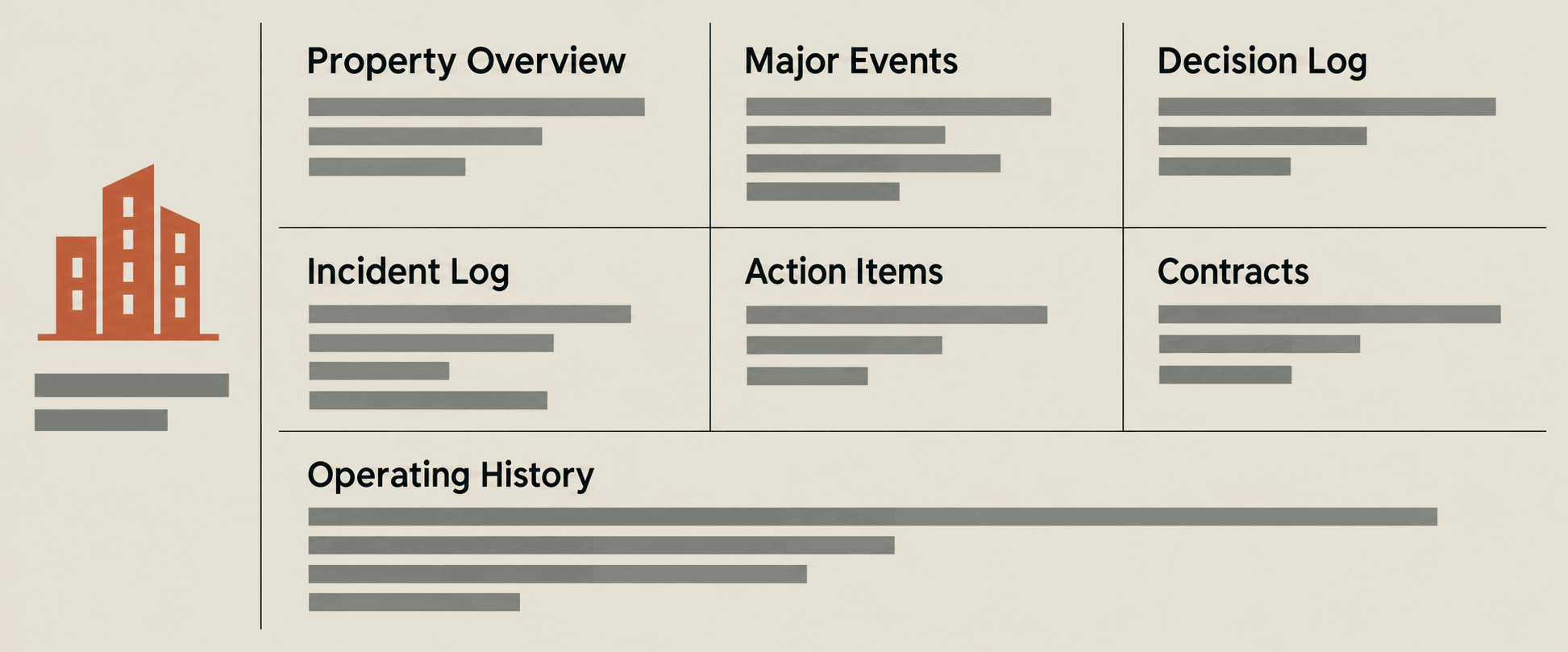
By now, you’ve probably guessed it. This knowledge base is what made the welcome brief possible.
So when a new manager starts, they have years of property history to draw on: what we’ve tried, what we’ve learned, and what we’ve come to understand about the property and its market.
But helping a new manager get up to speed is only one way to use this knowledge. It can also help us think through the decisions we’re making today.
Using that knowledge today
Remember the leasing special from earlier? Suppose we ask AI whether we should keep it.
We can give it our occupancy, recent leasing activity, and current offer. But how would it know why we introduced that offer in the first place?
That’s where the context matters. The team increased the concession to lease apartments that had been vacant for months. They planned to revisit it once those apartments were leased.
With that background, we can ask a more useful question: does the reason for the special still apply?
From data to intelligence
That’s what I mean by moving from data to knowledge to intelligence.
- Data tells us what happened.
- Knowledge helps explain what happened.
- Intelligence helps us use that understanding to make better decisions.
Of course, we still need to look at what’s happening today. The market may have changed. Ownership may have different priorities.
Something that worked at one property may need to be adapted for another. But we have something to build on: we can look at the earlier reasoning and decide what still applies. That only helps if someone can find that reasoning later.
Will that knowledge still be there?
Think about a recent decision your team made. Six months from now, could someone who wasn’t in the discussion understand what you decided, why you decided it, and what would make you reconsider?
Would they be able to find that background, or would they need to track down the one person who remembers?
That’s what I want the welcome brief to help with. A new manager will still have plenty to learn about the team, the residents, and the property. But as she gets to know it, she should be able to build on what the people before her learned, tried, and decided.
A property shouldn’t have to start over every time the people change.
P.S. Want to know how I built this knowledge base and how I use it? Follow this newsletter. I’ll share more in future issues.
Keep reading